Accept donations by QR code with Donoor QR
Accept donations by QR code without any kiosk or equipment. Whether you run an organisation or a charity, the Donoor QR code makes transactions simple and accessible.
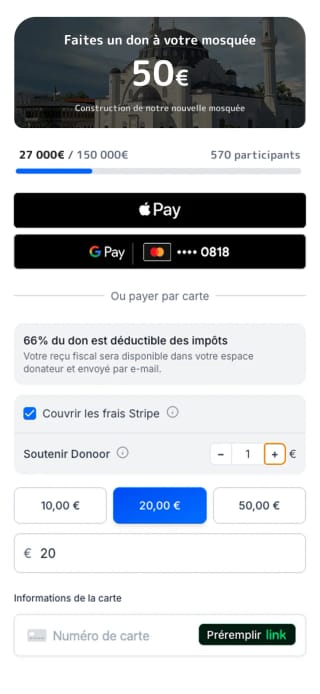

Donation QR code: static, dynamic, contactless
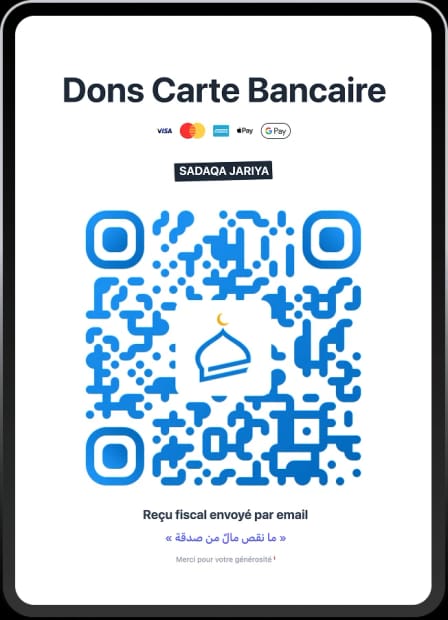
A Donoor QR code opens the donation page in the phone's camera, no app required. Unlimited and trackable, they collect donations in person: posters, places of worship, events.
Create my QR code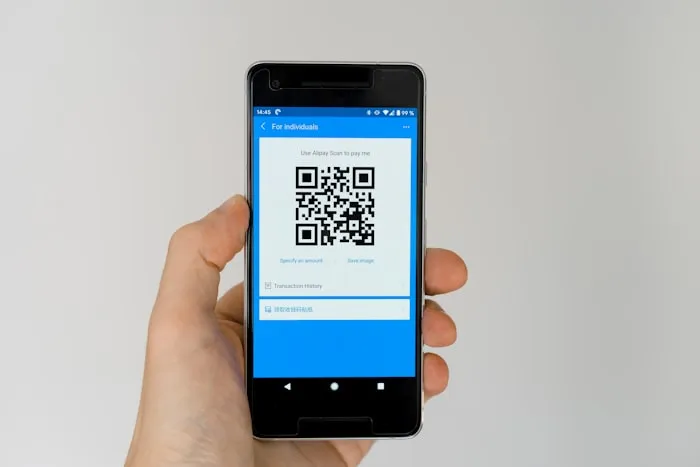
No app required
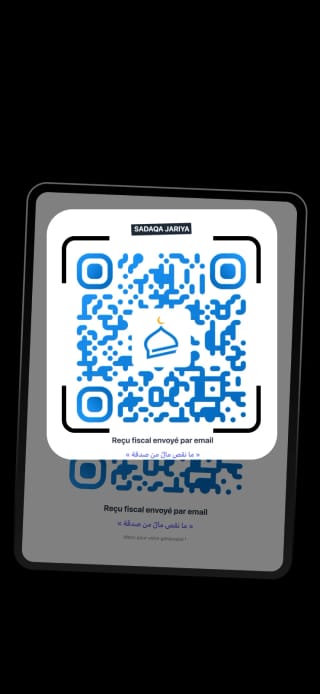
The donor scans with the native camera of their phone: the donation page opens straight away, with no app to install.
Discover

Unlimited QR codes
Generate as many QR codes as you need, customised by campaign, location or event, with donation tracking per code.
Discover
Contactless payment
Apple Pay, Google Pay or card: the donation is confirmed in under 5 seconds, with no cash or equipment needed.
Discover

Automatic tax receipt
For eligible organisations, the Cerfa tax receipt is sent automatically by email after each scanned donation.
DiscoverSimplify your fundraising with QR codes
No equipment required
Simply print your Donoor QR code. No kiosk or payment terminal needed.
75%
of donors cover the fees
Cover the fees
+€0.50 on €20
100% of the donation goes to the organisation
No fees for the organisation
3 in 4 donors choose to cover the fees. Your organisation receives 100% of donations.
CERFA tax receipt
Article 200 du CGI
CERFA receipt for eligible organisations
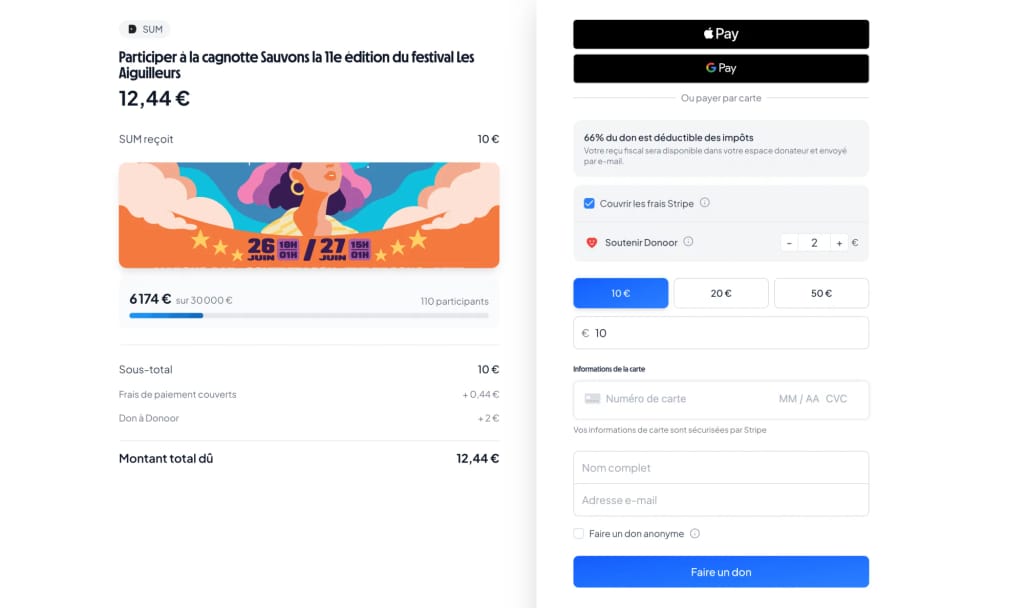
If your organisation is eligible (general interest, philanthropy, religious organisation under the 1905 law) and has activated the service, each donation automatically generates a compliant tax receipt allowing your donors to deduct 66% of their donation (within the legal limit).
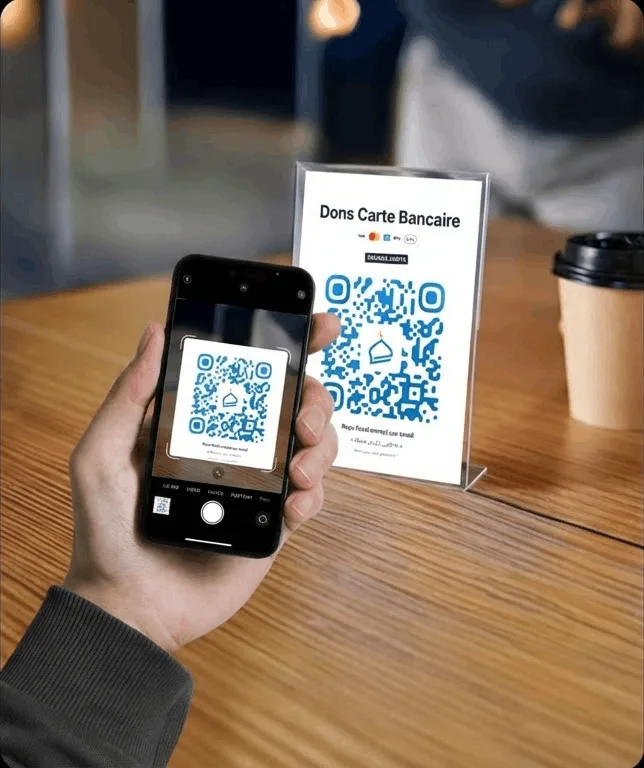
How does the Donoor QR code work?
Create your unique QR code from your Donoor account.
Display the QR code in your venue, on a poster or on a screen.
Scan and pay. Worshippers scan the QR code and make a donation in seconds.
Receive instant notifications. Be alerted each time a donation is received.
Enjoy lower fees. A lower-cost alternative to payment terminals.
Donoor QR is suitable for:
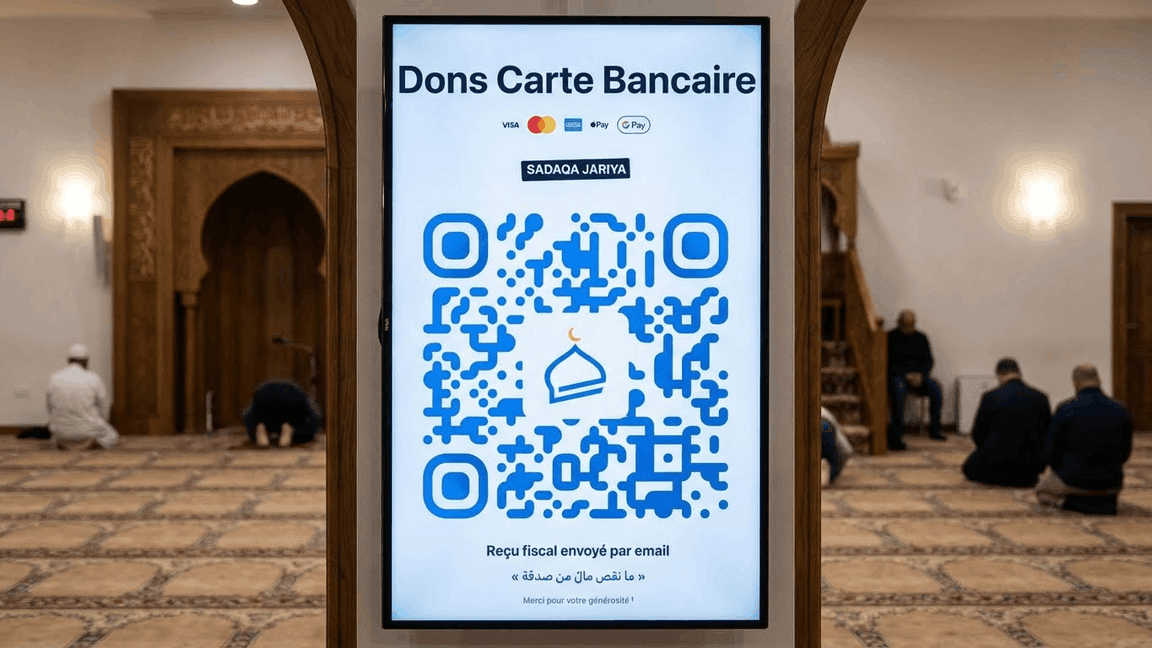
Prayer room
Display the QR code on a TV screen or a poster in the prayer room to collect donations during prayers.

Events & Conferences
Perfect for conferences, communal iftars and special events where you want to collect donations.
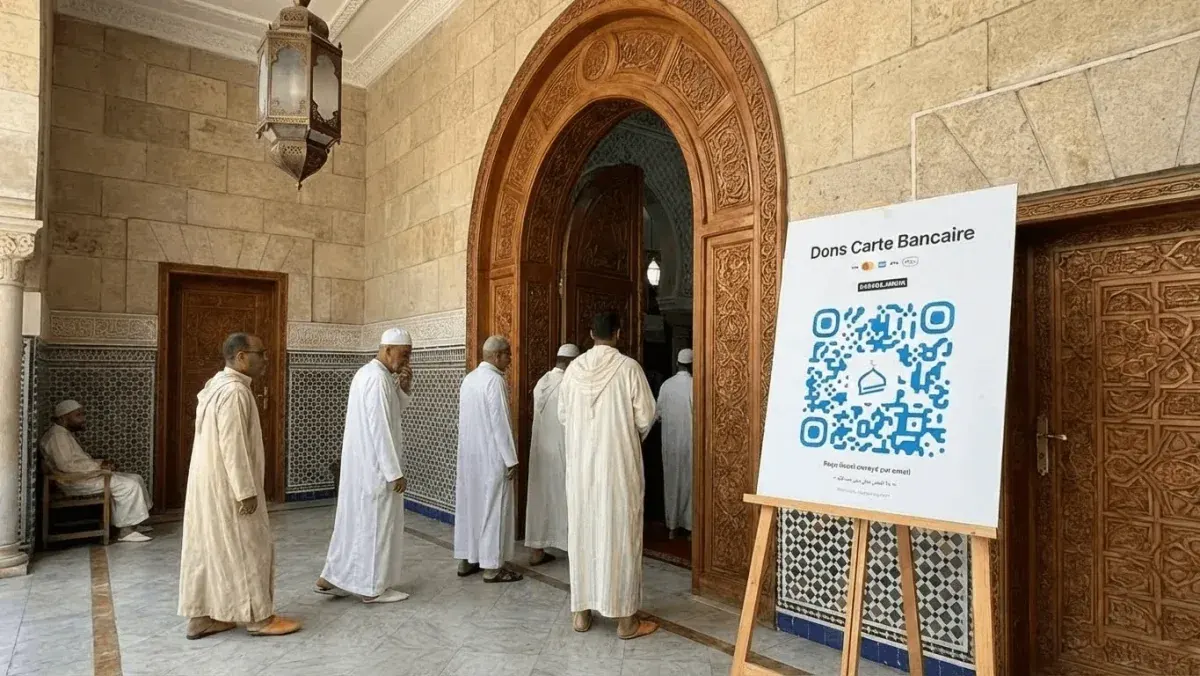
Welcome & Entrance
Place a poster with a QR code at the entrance so that worshippers can donate at any time.
See your QR codes in action
Find out how to display your QR codes on screen to maximise donations at your events

Scan and give in seconds
Your supporters scan the QR code with their phone and go straight to the donation page. Simple, fast and secure.
No app required
Works with the phone's camera
Compatible with all smartphones
iPhone, Android, everything works
Direct redirection
Instant access to your fundraising page
Give with confidence
After scanning, your donors reach a secure payment page. Apple Pay, Google Pay or bank card: everything is covered.
Apple Pay & Google Pay
One-click payment on mobile
Secured by Stripe or PayPal
The global leader in online payments
Automatic tax receipt (eligible organisations)
Sent by email after each donation, for eligible organisations
Frequently asked questions
Does the Donoor QR code work without an app?
Yes. The donor scans the QR code with the native camera of their phone, which opens the donation page directly in their browser. No app needs to be installed.
Does Donoor charge a commission on donations received via QR code?
No. Donoor is 100% free for organisations. Only bank fees (Stripe or PayPal, ~1.5% + €0.25) apply, and these can be covered by the donor.
Can the QR code design be customised?
Yes. You can add your logo and organisation name, choose the colours and download the QR code in PDF, PNG or SVG format in high resolution for printing.
Are Apple Pay and Google Pay supported?
Yes. As soon as a donor scans the QR code, they can pay with one tap using Apple Pay on iPhone or Google Pay on Android. The donation is confirmed in under 5 seconds.
Does the donor automatically receive a tax receipt?
Yes, if your organisation is eligible for tax-deductible donations. The Cerfa 11580*05 receipt is sent automatically by email after each donation.
We take care ofsetting it all up for you.
Create your organization space in a few minutes, or let us set everything up for you. Free, fast, hassle-free.
100% free · No subscription, no commitment
Also discover
More Donoor solutions for your organisation

Online fundraiser
Create a free fundraiser for your organisation.

Payment links
Custom links for campaigns and sharing.
Donation kiosks
Contactless physical payment terminal.

Donation page
A page in your image, optimised for mobile.
Tap to Pay
Accept payments on iPhone, with no extra equipment.

Comparisons
Donoor vs other platforms for organisations.