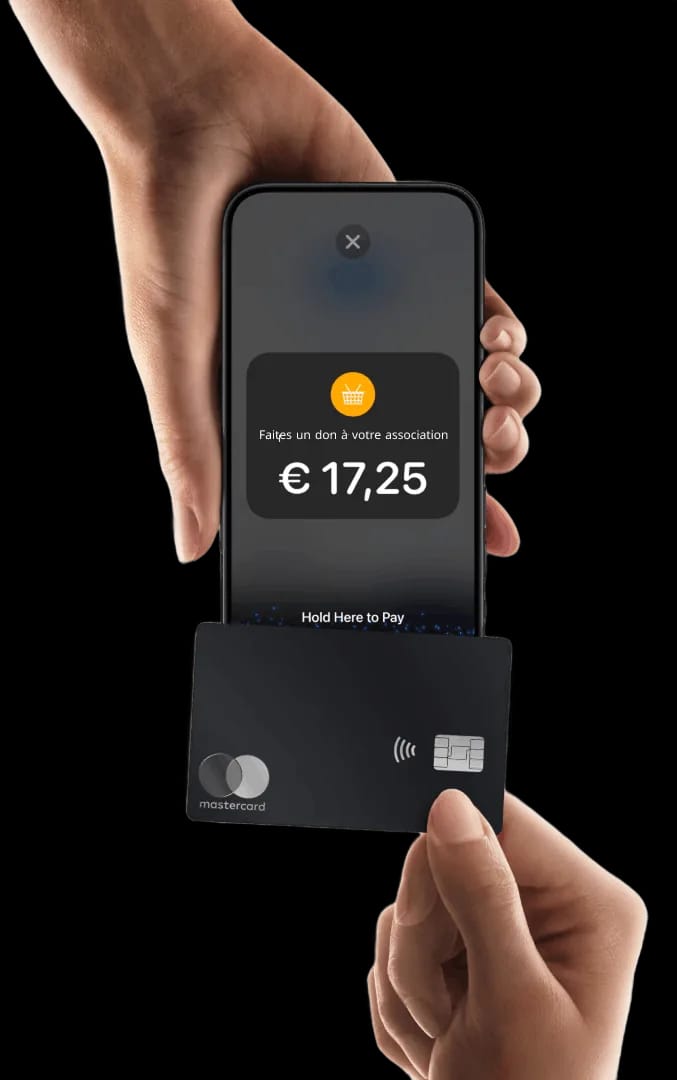
Tap to Pay on iPhone Collect your organisation's donations without a card terminal
Tap to Pay on iPhone is available with Donoor. Accept all types of contactless payments: bank cards, Apple Pay and other digital wallets. Simple, secure, and with no additional hardware.

Tap to Pay on iPhone: collect payments without a card terminal
Tap to Pay turns volunteers' iPhones into contactless payment terminals, with no terminal or additional hardware. Compatible with iPhone XS and later models, with a confirmation code above €50.
Activate Tap to Pay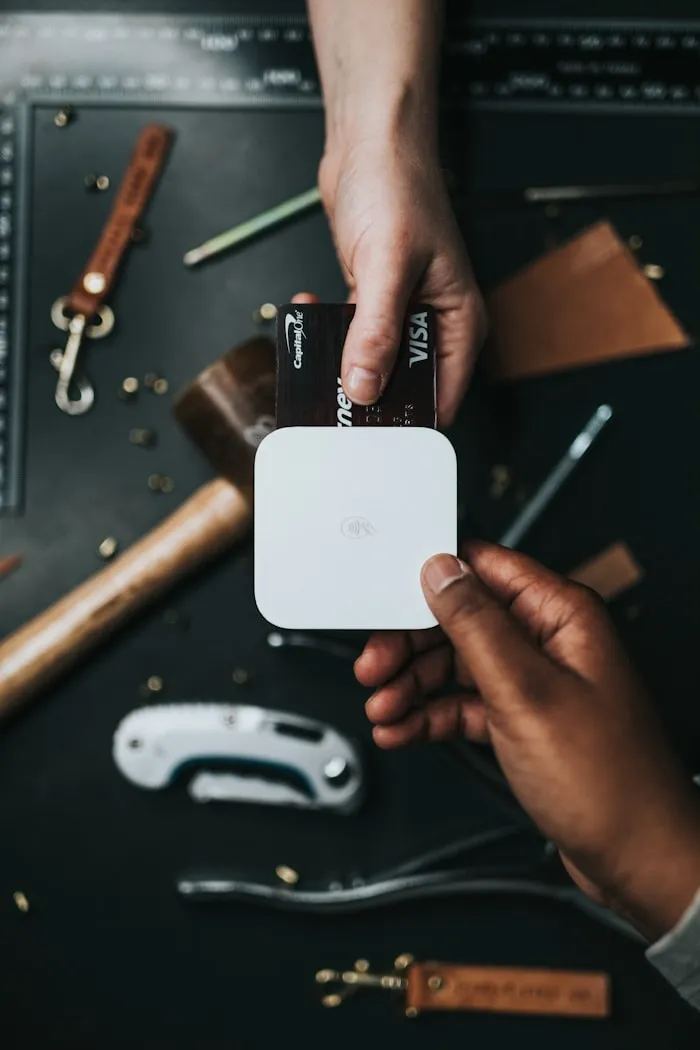
Tap to Pay iPhone
Turn volunteers' iPhones into contactless terminals: the donor holds up their card or phone, with no card terminal or hardware needed.
Discover

No terminal and no fixed fees
No card terminal to buy or rent: your iPhone is all you need. Only Stripe's bank fees apply (1.5% + €0.25).
Discover

Compatible with iPhone XS and later
Tap to Pay works on iPhone XS and later models (recent iOS). Above €50, a code confirms the payment.
Discover

Ideal in the field
Collect membership fees, memberships and donations at events, outreach work or fundraising drives, in just a few seconds.
Discover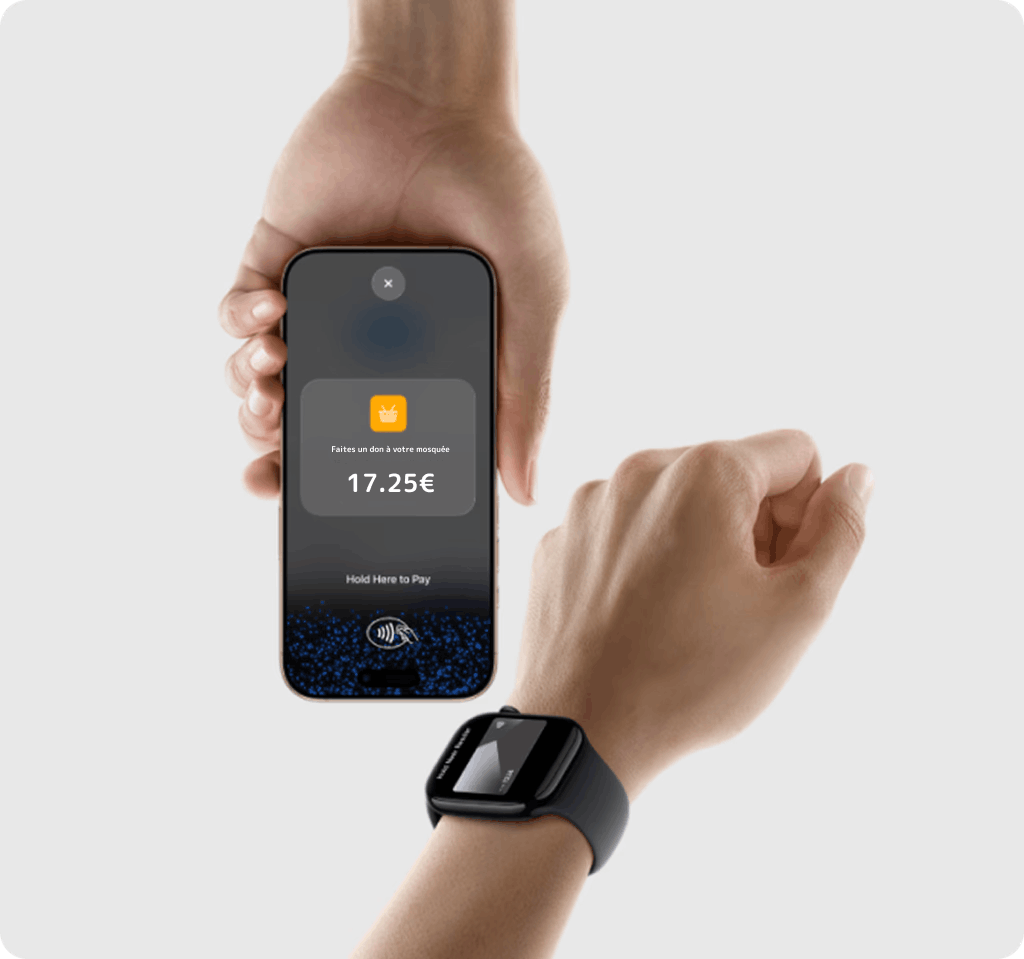
Collect anywhere.
With Tap to Pay on iPhone, collect donations anywhere simply by accepting contactless payments directly on your iPhone. Ideal for events, street collections or Friday prayers. All you need is an iPhone and the Donoor app.
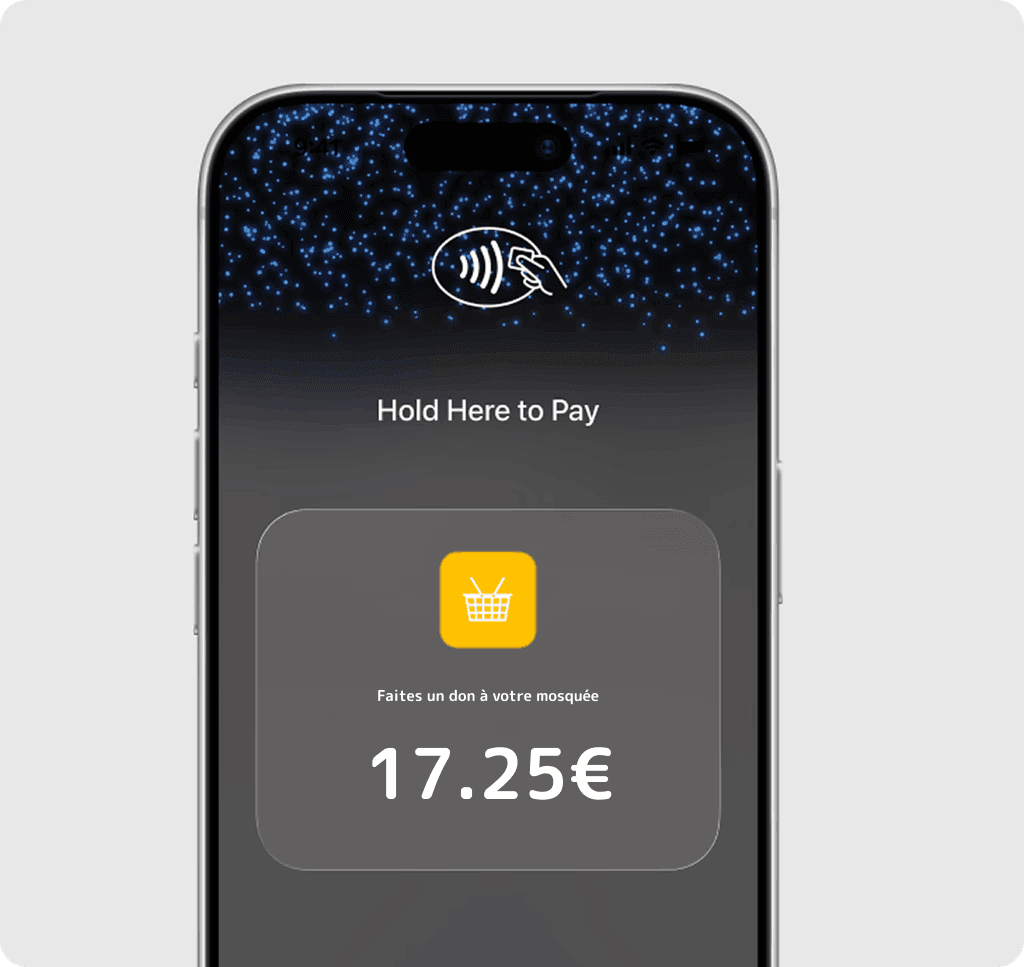
No additional hardware.
No need to invest in card readers or terminals. Tap to Pay on iPhone makes it easier to start or expand your fundraising. With just an iPhone and the Donoor app, accept contactless payments. It's as simple as that.
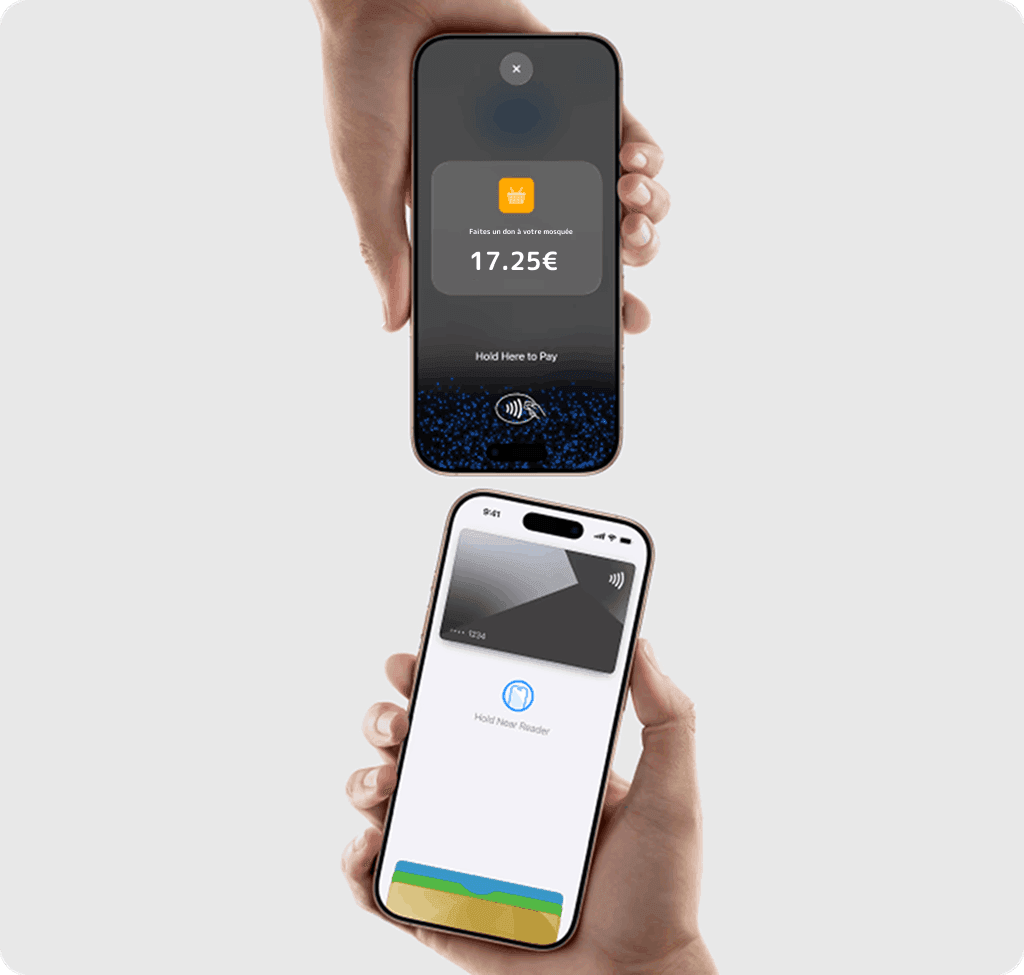
Built-in security and privacy.
Tap to Pay on iPhone uses the built-in security and privacy features of the iPhone. When processing a payment, Apple does not store card numbers or PIN information on its servers, thereby protecting your organisation and your donors' data.
Transaction protection with PIN code
Transactions requiring a PIN code will automatically display a secure entry screen. During the transaction, screenshots and screen recording are not possible.
Accessible to everyone
For donors who need visual or other assistance, accessibility options are built in to help them enter their PIN code securely.
Getting started is simple
Create a Donoor account and complete the registration details.
Download the Donoor app.
Accept contactless payments in person — directly on iPhone.
Tap to Pay, QR code or link:
which to choose?
All three are free and work together. Each excels in a different context — here is how to use them together so you never miss a donation.
| Tap to Pay | QR code | Payment link | |
|---|---|---|---|
| Ideal situation | Face to face with the donor, in the field | Self-service display (poster, lectern) | Remotely (SMS, email, social media) |
| How it works | The donor holds their card against the back of the iPhone | The donor scans with their phone | The donor clicks the link |
| Equipment required | An iPhone (XS or later, iOS 16.4+) | None (printed or on-screen QR code) | None |
| Payment methods | Contactless card, Apple Pay, Google Pay | Card, Apple Pay, Google Pay | Card, Apple Pay, Google Pay |
Need help choosing? Discover QR codes or the payment links.
Frequently asked questions
What is Tap to Pay on iPhone for organisations?
Tap to Pay turns your iPhone into a contactless payment terminal. Your donor holds their contactless card or iPhone (Apple Pay) against the back of your phone, and the payment is taken in seconds. No physical card terminal is required.
Which iPhone is compatible with Tap to Pay?
Tap to Pay works on all iPhone XS models and newer (XS, XR, 11, 12, 13, 14, 15, 16, 17), provided iOS 16.4 or later is installed.
How much does Tap to Pay cost for my organisation?
It is completely free on Donoor's side: 0% commission, no subscription, no hidden fees. Tap to Pay is processed through Stripe, and only Stripe's bank fees (1.5% + €0.25) apply.
Is it secure for my donors?
Yes, Tap to Pay uses contactless (NFC) technology certified by Apple and Stripe. The donor's bank details are never visible or stored on your iPhone. For payments above the contactless limit, a secure PIN code is requested.
Do I need a bank contract or a terminal to use Tap to Pay?
No. No merchant agreement, no card terminal, no external reader. A compatible iPhone and the Donoor app are all you need: card payment acceptance is built in and ready to use.
When should I use Tap to Pay rather than a QR code or payment link?
Tap to Pay is ideal when you are face to face with the donor and they pay by card or phone (stand, event, door-to-door). The QR code is best for self-service displays (poster, lectern), and the payment link for collecting remotely (SMS, email, social media). All three are free and can be combined.
How can I take card donations without a card terminal?
With Tap to Pay on iPhone, your phone becomes the terminal: the donor holds their card or phone against yours, and the payment is taken. No device to buy or rent, no bank contract — just the Donoor app on a compatible iPhone.
We take care ofsetting it all up for you.
Create your organization space in a few minutes, or let us set everything up for you. Free, fast, hassle-free.
100% free · No subscription, no commitment
Discover also
Other Donoor solutions for your organisation
Donation kiosks
Physical contactless payment terminal.
Donation QR codes
Unlimited QR codes for collecting donations in person.

Payment links
Custom links for campaigns and sharing.

Donation page
A page in your image, optimised for mobile.
Online fundraiser
Create a free fundraiser for your organisation.
Organisation payment terminal
Payment terminal for collecting donations and membership fees on site.

Tax receipts
Automatic generation compliant with article 200 CGI.