No equipment to hire.
A phone is enough. No scanner, no terminal, no subscription.
Included in the Donoor app
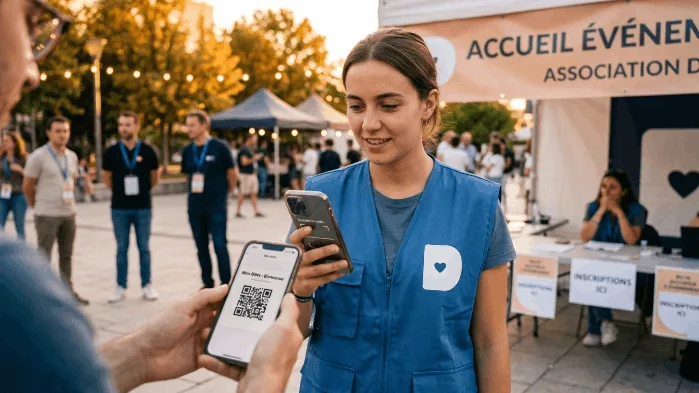
The Donoor app checks each QR code ticket in a second. Several volunteers scan at the same time, entries are counted live, and latecomers pay on site.
The Donoor app, free on iPhone and Android, scans QR code tickets sold through Donoor ticketing. It instantly shows whether a ticket is valid, already used or cancelled, works on several phones at once and counts entries in real time. It also checks membership cards.
No more paper checklists or photocopied tickets: each QR code is unique and can only be used once.
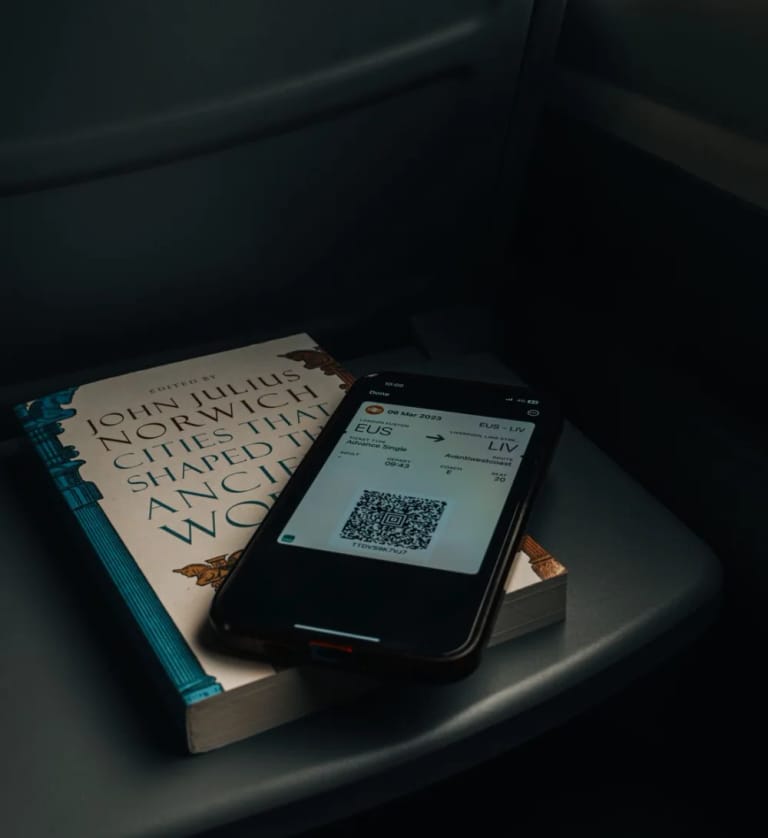
Ticket
Sent by e-mail as a PDF, to show on a phone or print out.
Scan
The result appears in a second, in large type, readable even outdoors.
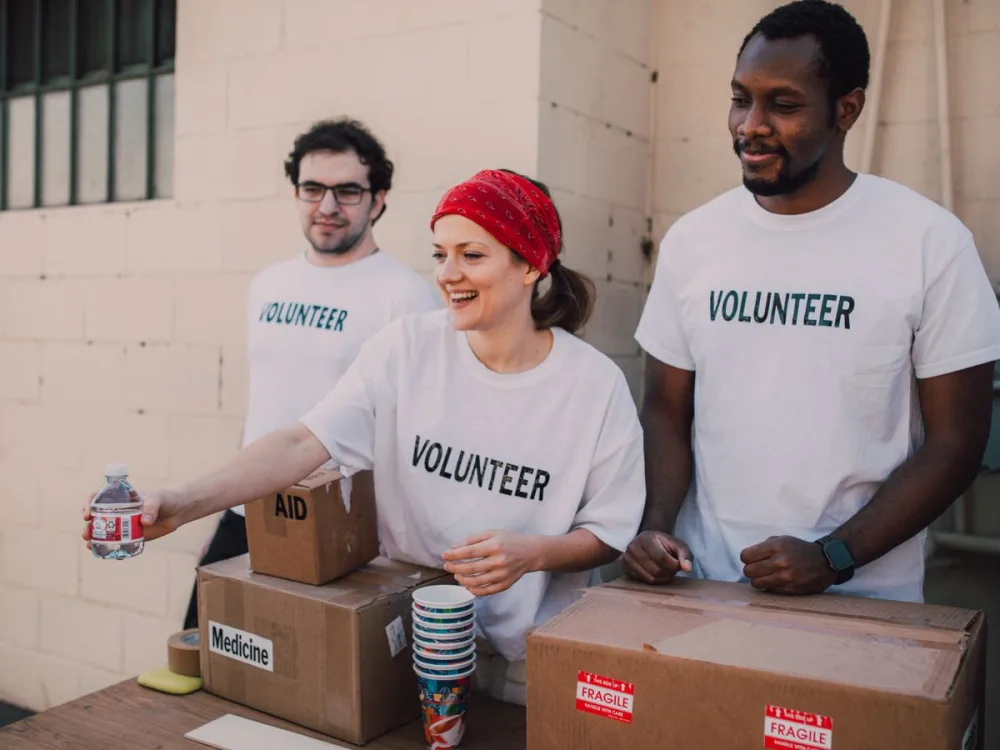
Team
Each volunteer scans separately, and entries add up live.
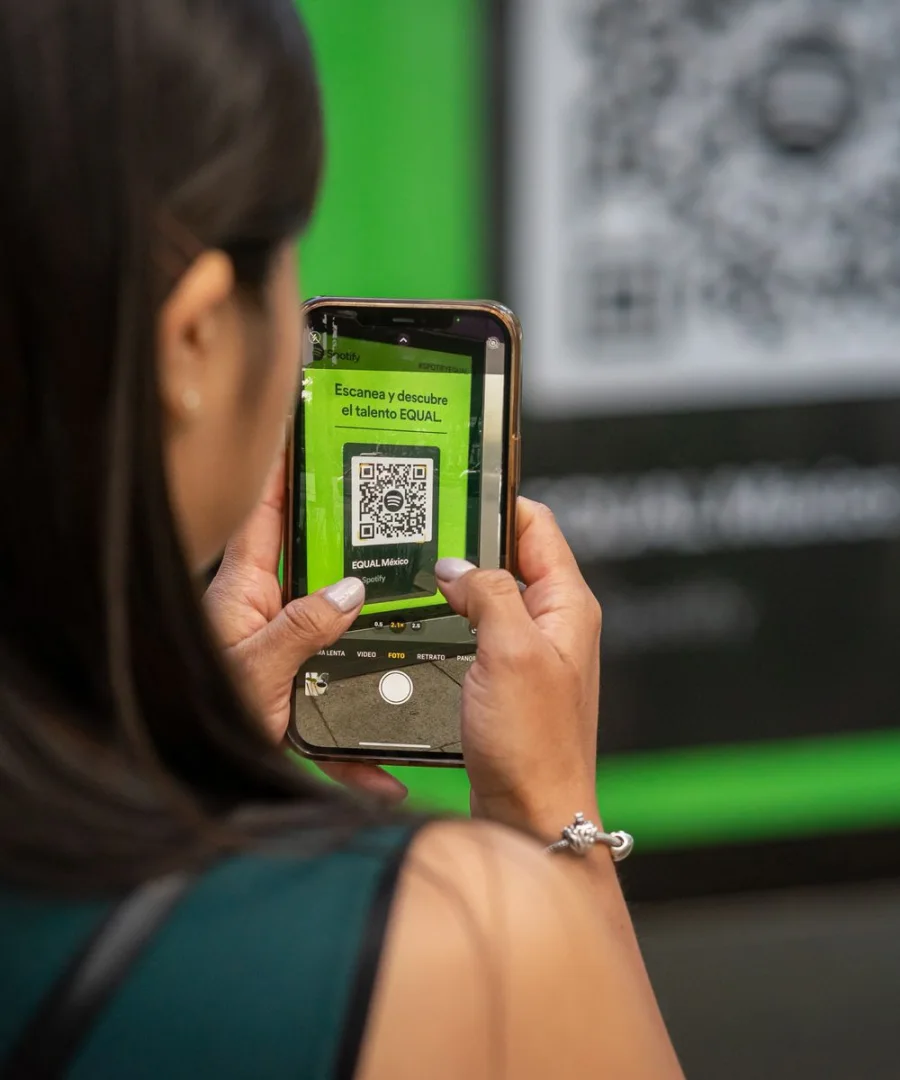
Members
The same scan checks that a member is up to date with their membership fee.
A phone is enough. No scanner, no terminal, no subscription.
A ticket that has already been scanned is refused, even if presented on another phone.
The same phone takes contactless card payments: the ticket is created on the spot.
Before the event
Every ticket sold online is sent by e-mail with a unique QR code. The day before, an automatic reminder is sent to participants.
On the day
Connect the front-desk volunteers to the organisation's space, open the event and scan. The entry counter updates for everyone.
After
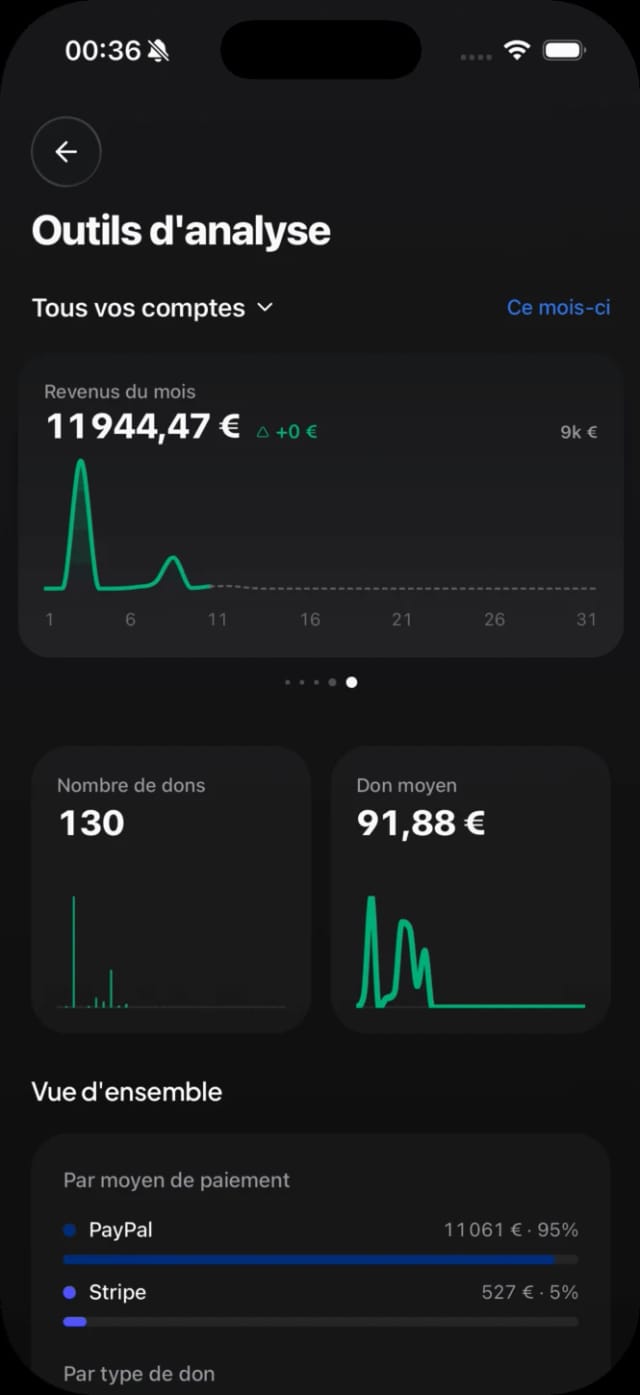
Attendance rate, last-minute sales, takings of the day: the summary is ready as soon as the event ends.
A few minutes before the doors open.
Date, venue, rates: the ticketing is online.
Each participant receives a QR code by e-mail.
Donoor, free on the App Store and Google Play, for each front-desk volunteer.
Entries are counted live on all phones.
Available in 19 countries
One platform, 19 countries.
Is your association outside France? Donoor works in these countries too, following each country's rules.
 In France
Your donors pay by card, Apple Pay, Google Pay or PayPal, online or contactless with Tap to Pay.
Register my associationYes. The Donoor app is free on iPhone and Android, as is the ticketing: no subscription, no commission on tickets.
Yes. Each volunteer logs into the organisation's space and scans on their own device. A ticket already scanned on one phone is refused on the others.
Find them by name in the participant list and validate their entry manually, or send their ticket to them again by e-mail.
No. It checks tickets sold with the Donoor ticketing and Donoor membership cards, to ensure that a QR code only passes once.
Yes. The phone takes contactless card payments thanks to Tap to Pay, or the participant scans a payment QR code. The ticket is created straight away.
Yes, a mobile connection is enough: it's what lets you refuse a ticket that has already been scanned on another phone.
Create your organization space in a few minutes, or let us set everything up for you. Free, fast, hassle-free.
100% free · No subscription, no commitment
 In Belgium
 In Luxembourg
 In the Netherlands
 In Germany
 In Italy
 In Spain
 In Austria
 In Ireland
 In Portugal
 In Malta
 In Croatia
 In Finland
 In Slovenia
 In Estonia
 In Lithuania
 In Slovakia
 In Bulgaria
 In Greece